Why You Want It

Built-in McAfee Protection

Voice Control

Wi-Fi Mesh

Dual-Core Processor

Auto Update

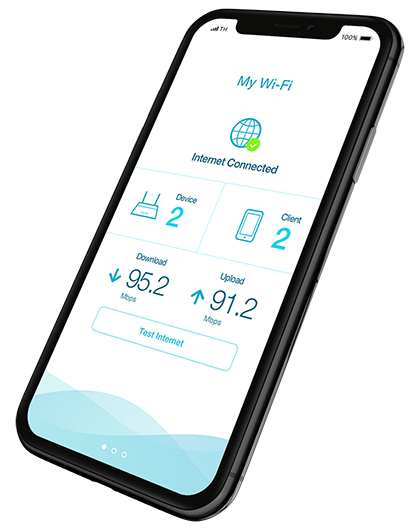
Test Internet Speed

Eliminate your pesky dead zones permanently and get truly seamless home networks with less Wi-Fi disruption.


Auto Healing
Got a failed node? Wi-Fi Mesh automatically establishes an alternative path to the Mesh Router.

Auto Configuration
Mesh nodes automatically know their role in the Mesh network.
Seamless Network
Automatically connect to the strongest signal as you move around your home.
Auto Optimisation
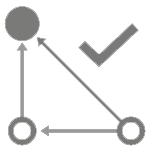
Mesh nodes automatically find the shortest (and fastest) path to the Mesh Router.

Auto Channeling
Wi-Fi Mesh nodes automatically and dynamically select the channel with least interference and overlap.
Scalable
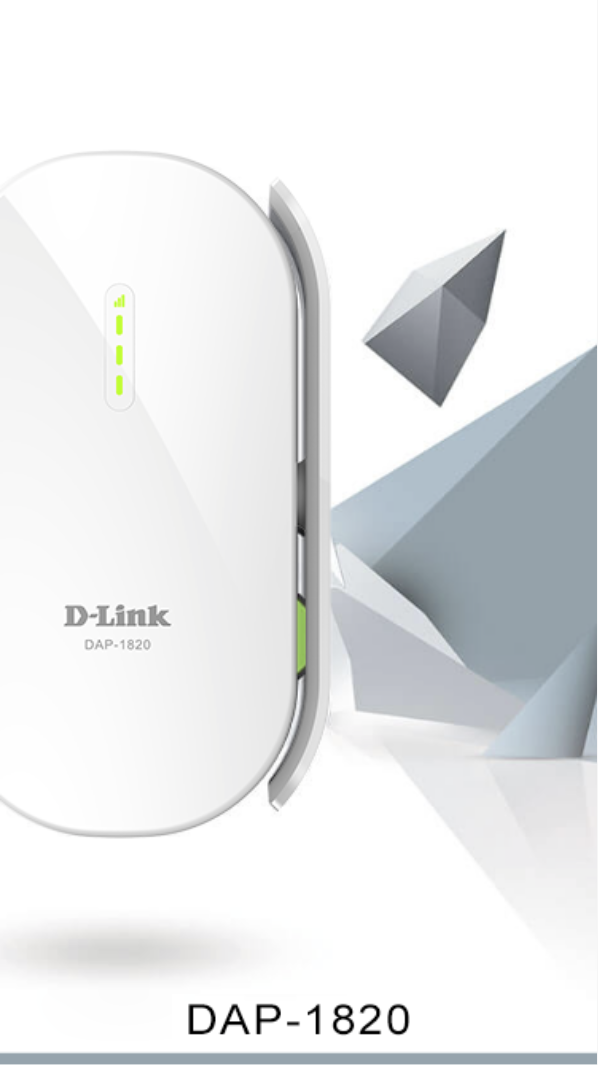
Grow your Mesh Wi-Fi painlessly. Just add on D-Link Wi-Fi Mesh Routers and Extenders wherever you need more Wi-Fi.

Dynamic Network Assistant
See your Mesh network's weak spots clearly in real time.
Unleash Your Mesh with Wi-Fi Mesh
Get a ton of advanced features that turbocharge your whole home network with Wi-Fi Mesh. With Mix and Match functionality, Auto Healing, Auto Channeling, Auto Configuration, Auto Optimisation, and a Network Assistant Map, you’ll finally achieve a truly seamless network at home that scales to your needs. It’s mesh Wi-Fi that works for you.
On your terms. Automatically.

Wi-Fi Mesh vs Regular Router + Extenders
Think a conventional Router + Extenders combo will fix all your Wi-Fi problems?
Think Again…
  Wi-Fi Mesh |
  Router + Extenders |
|
|---|---|---|
| Stubborn Wi-Fi Deadspots |
Move around your home and get stronger signals with Advanced Roaming
|
Signals may get weaker as you move around your home
|
| Optimizing is Confusing |
Dynamic Network Assistant View: see network weak spots
|
Optimizing takes hours of fruitless guesswork
|
| Painful Setup & Configuration |
Automatically forms and configures all mesh devices at one go
|
Spend hours configuring every device individually
|
| Unreliable Connections |
Self-heals your mesh automatically
|
Killed connections stay down till you fix them
|
| Confusing SSIDs |
One SSID keeps things simple
|
Multiple SSIDs make things complicated
|

DEFEND YOUR NETWORK WITH EXO
EXO Routers come with built-in McAfee protection, so you can protect your family’s online privacy against the growing onslaught of sophisticated cyberthreats, 24/7.
COMPREHENSIVE PARENTAL CONTROLS, LESS COMPLAINTS
With EXO Mesh-enabled Smart Wi-Fi Routers you don’t just get a handful of parental controls.
You get a system of comprehensive controls that turn into a way of life with less complaining and more compliance.
You’re not enforcing the rules. It's the system that enforces them.

Malicious Site Blocking
Check every connection to the Internet from every device, and block connections to bad websites-before your network is compromised.

Hide your Devices from Hackers
Advanced network controls let you secure your Router and protect all connected devices from outside network access.

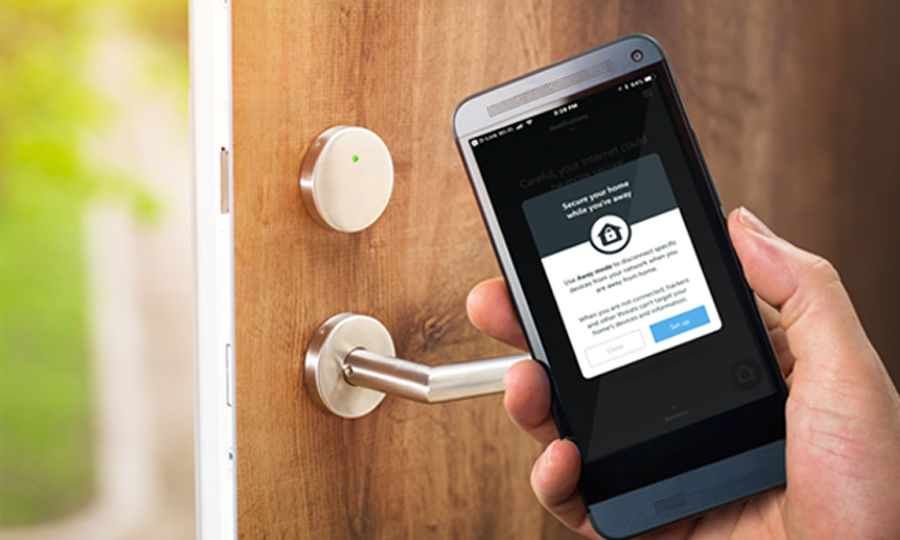
Away Mode
Prevent selected devices on your network from connecting to the Internet while you are away from home.
IoT Anomaly and Botnet Detection
Detect abnormal Internet of Things (IoT) device behaviour, find anomalies in real time, and block suspicious connections.
EXO Works with the Google Assistant1 and Alexa
Whether you want to turn on/off your guest Wi-Fi network, check your network for vulnerabilities,
or block unwanted devices, Exo lets you do it all, hands-free.
_v3.png)
MORE POWERFUL
Need fast Wi-Fi for your no-cable-all-streaming home?
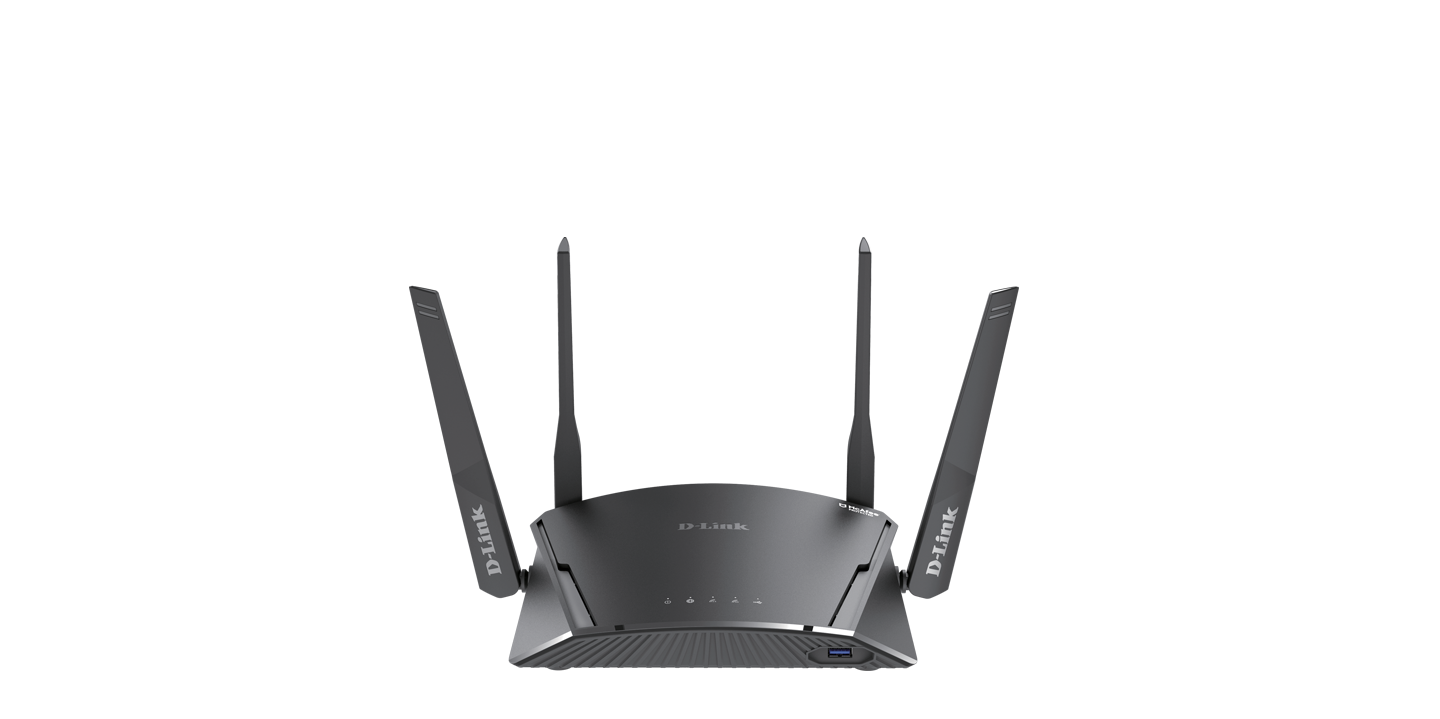
EXO Smart Mesh Wi-Fi Routers pack a powerful dual-core processer to handle buffer-free video streaming and lightning-fast gaming with ease.
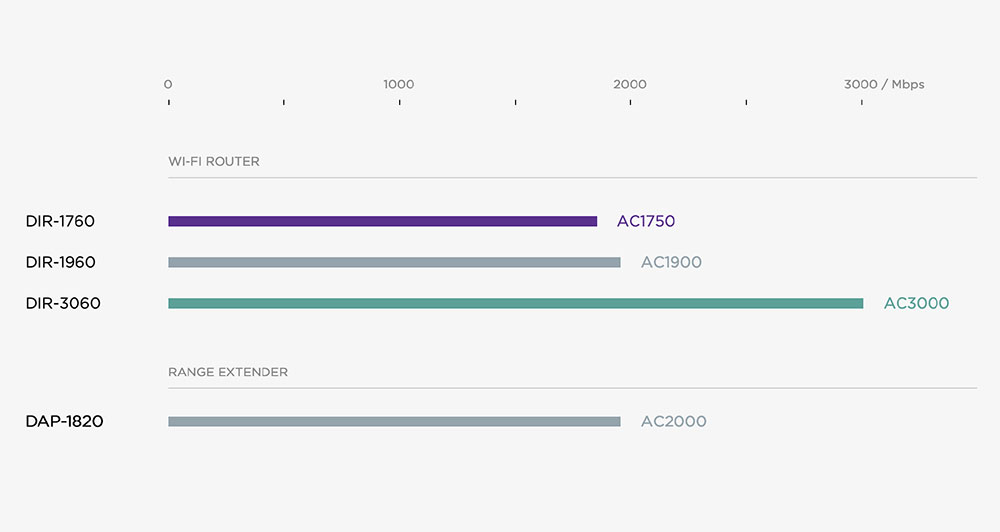
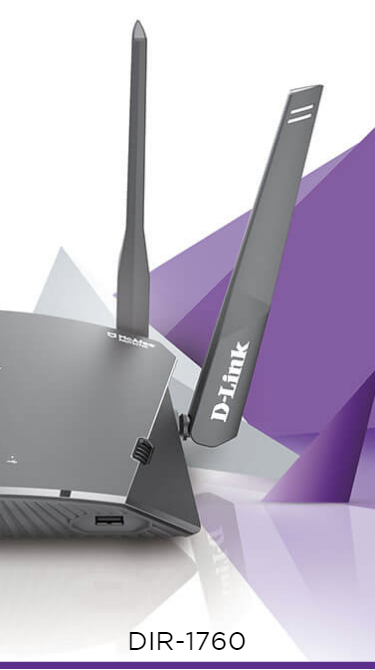
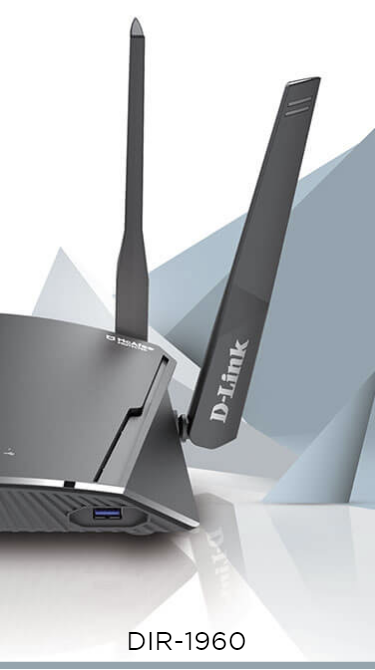
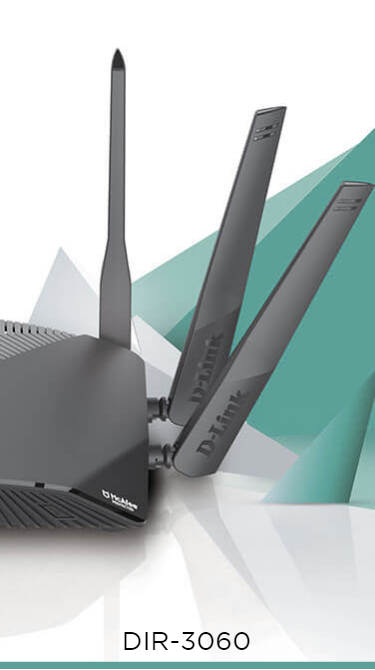
And with a range of wireless speeds from AC1300 to AC3000Mbps, there’s an EXO router to fit any home networking need, at any budget.
TRUE INTERNET SPEEDS WITHOUT THE GUESSWORK
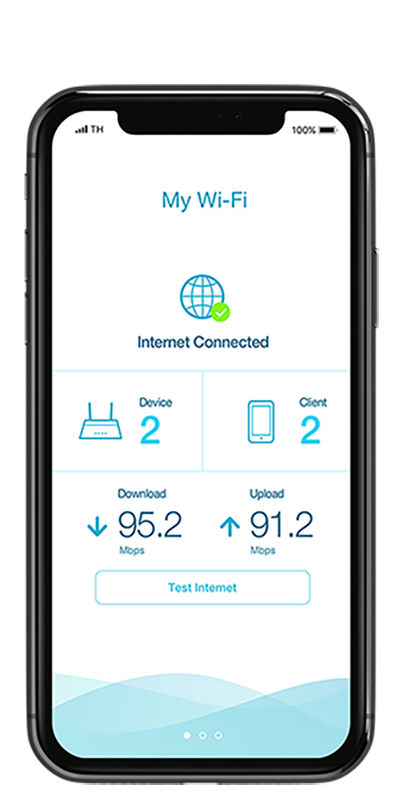
Tired of internet speeds that don’t live up to your ISP’s claims?
EXO Smart Mesh Wi-Fi Routers’ integrated Internet test lets you measure the true speed of your Router-to-ISP connection with the D-Link Wi-Fi app.

UP-TO-DATE
Firmware upgrades can be a pain, but with EXO Smart Mesh Wi-Fi Routers, they are completely automated. Updates are so smooth, you won’t even notice them. EXO routers keep you updated with the best protection and latest features for compatibility with the Google Assistant and Alexa.

DUAL IMAGE FOR SMOOTHER UPGRADES
Firmware upgrades can be a pain, but with EXO’s dual image functionality, a recovery image is saved as a backup before an upgrade. So in the unlikely event an upgrade fails, the system has your pre-existing version of the configuration to fall back on. Get reliable, uninterrupted Wi-Fi all the time.
EXO RANGE
EASY SETUP
Using the D-Link Wi-Fi app’s intuitive interface and step-by-step instructions, setting up your EXO is a breeze.

D-Link Wi-Fi